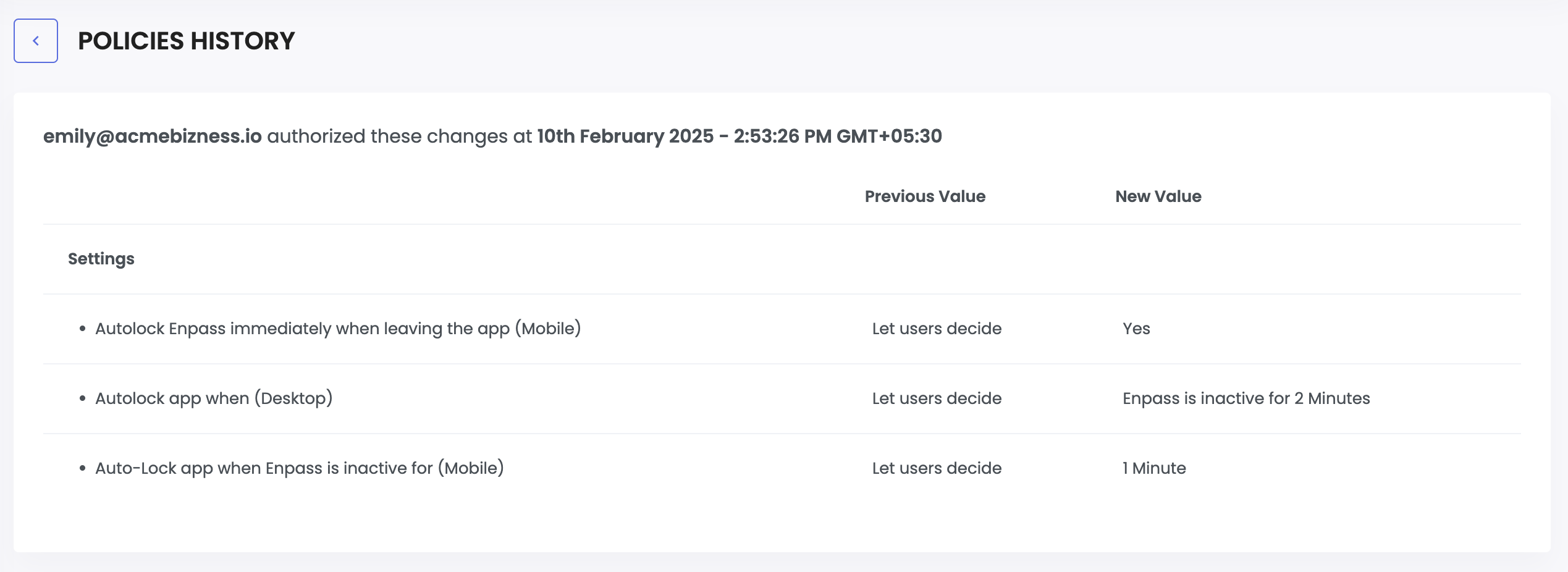
Policy History in the Enpass Admin Console
Admins can review all changes made to vault and security policies, including what was changed, by whom, when the changes were made.
To view your Policy History
- Go to Policies in the Admin Console sidebar.
-
Click on the three dot next to save button in the top-right
corner of the Policies tab.

- Find and select the history you want to review from the list of changes.
-
The previous and new values are shown for each change.
Empty values indicate that a policy was added or removed, rather than modified.