Configure Datadog to Receive Event Logs
- Log in to your Datadog Dashboard.
- Navigate to Organization Settings > API Keys.
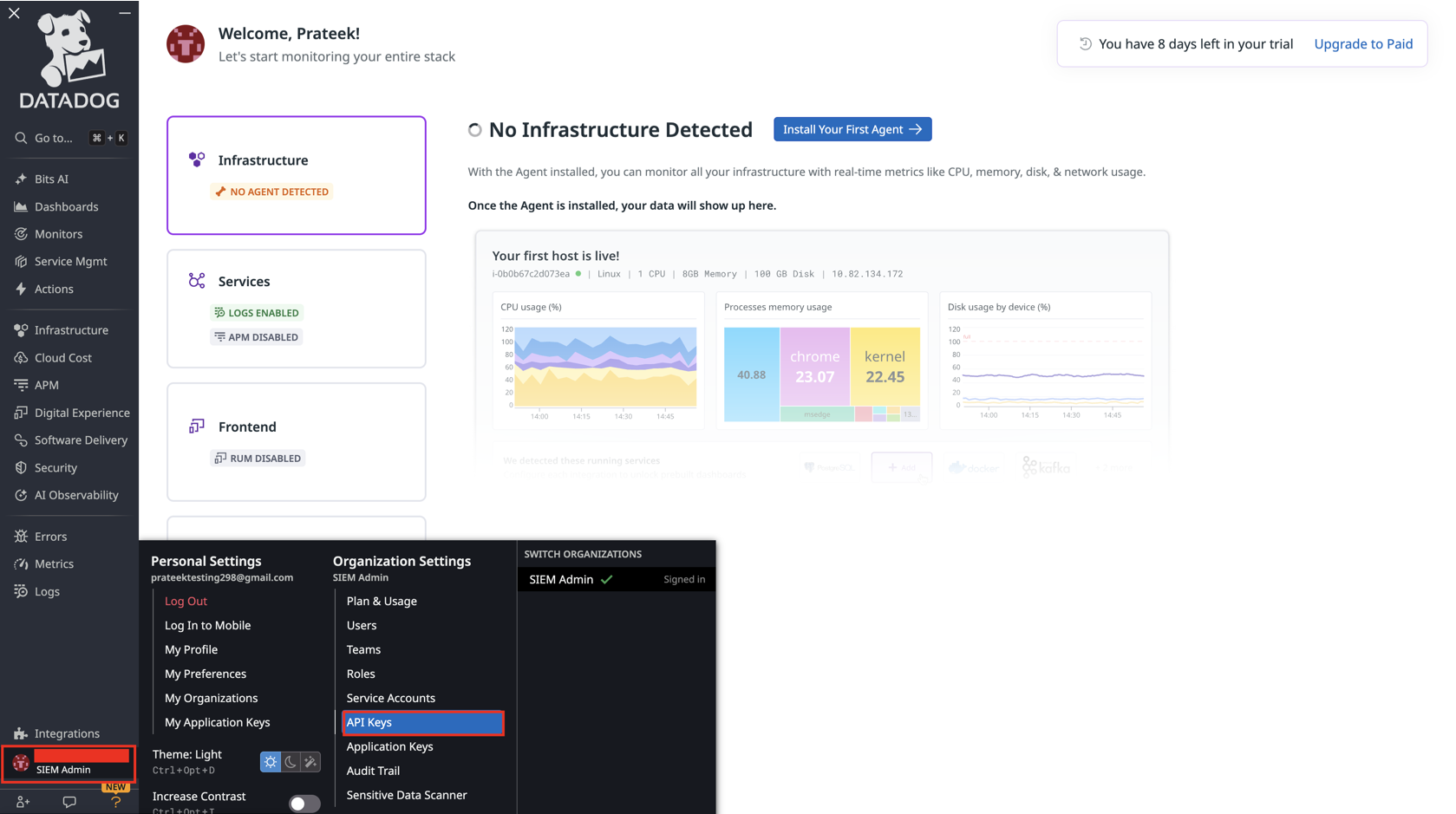
- Click New Key to create a new API key for event ingestion.
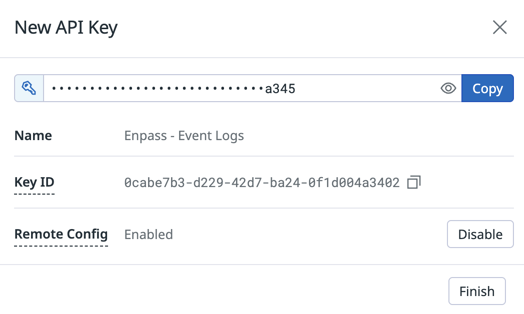
- Provide a descriptive name for the key (e.g., Enpass Event Logs Integration).
- Click Create Key.
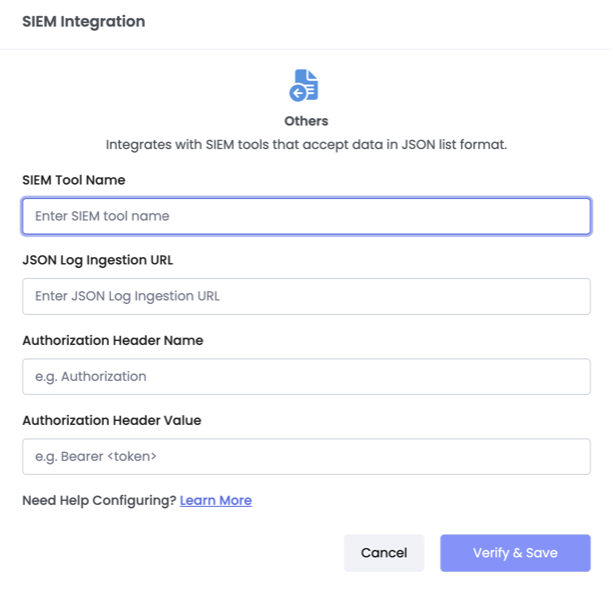
- Copy and save the generated API Key — you'll need it for the Admin Console setup in Step
2.
- Important: Store this key securely, as you won't be able to view it again after leaving
this page.
- Important: Store this key securely, as you won't be able to view it again after leaving
this page.