SIEM Integration with Others
Pre-requisites
To begin integrating Enpass with others SIEM tools ensure you have:
- A SIEM tool that accepts data in JSON list format
- A configured Webhook URL that can receive HTTP POST requests
- An authentication token or API key for secure data transmission
Support has been expanded for SIEM tools that accept data in JSON format. Documentation is now available for the following integrations:
Configure Enpass Admin Console to Send Event Logs to Tines
- Log in to your Enpass Admin Console.
- Navigate to Settings > SIEM (Event Logs).
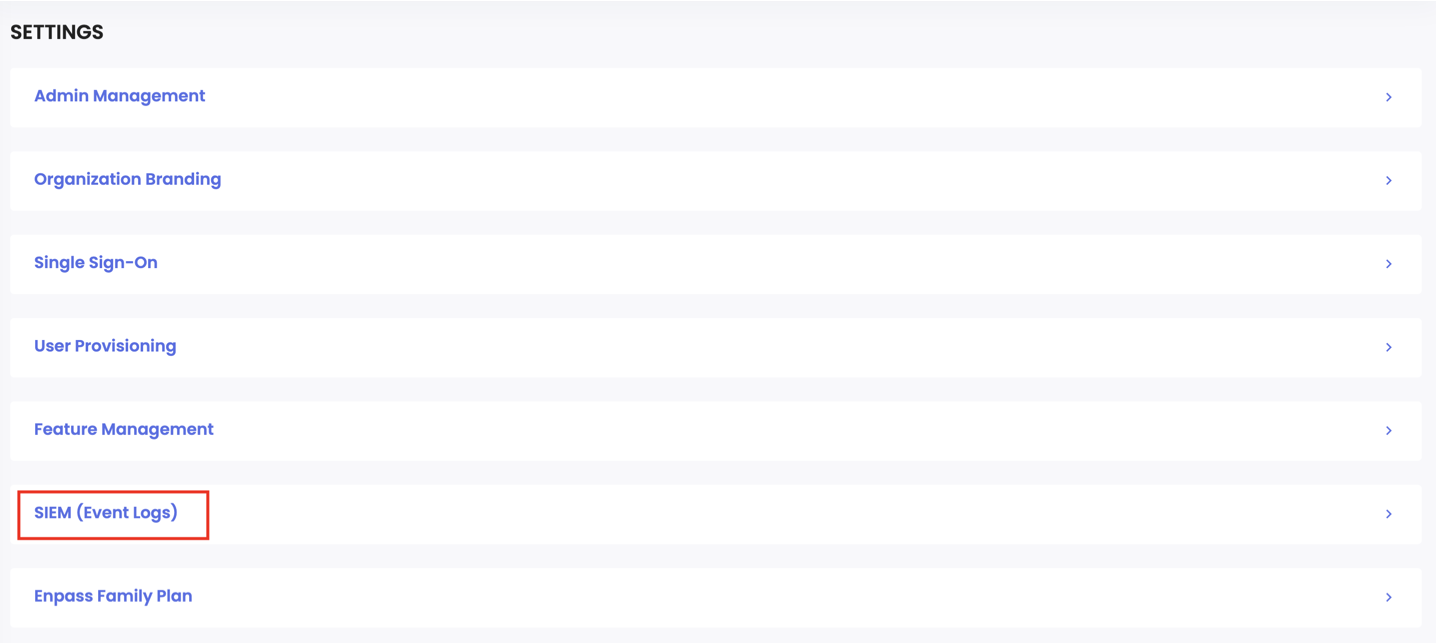
- Click the Configure button under the SIEM Integration section.
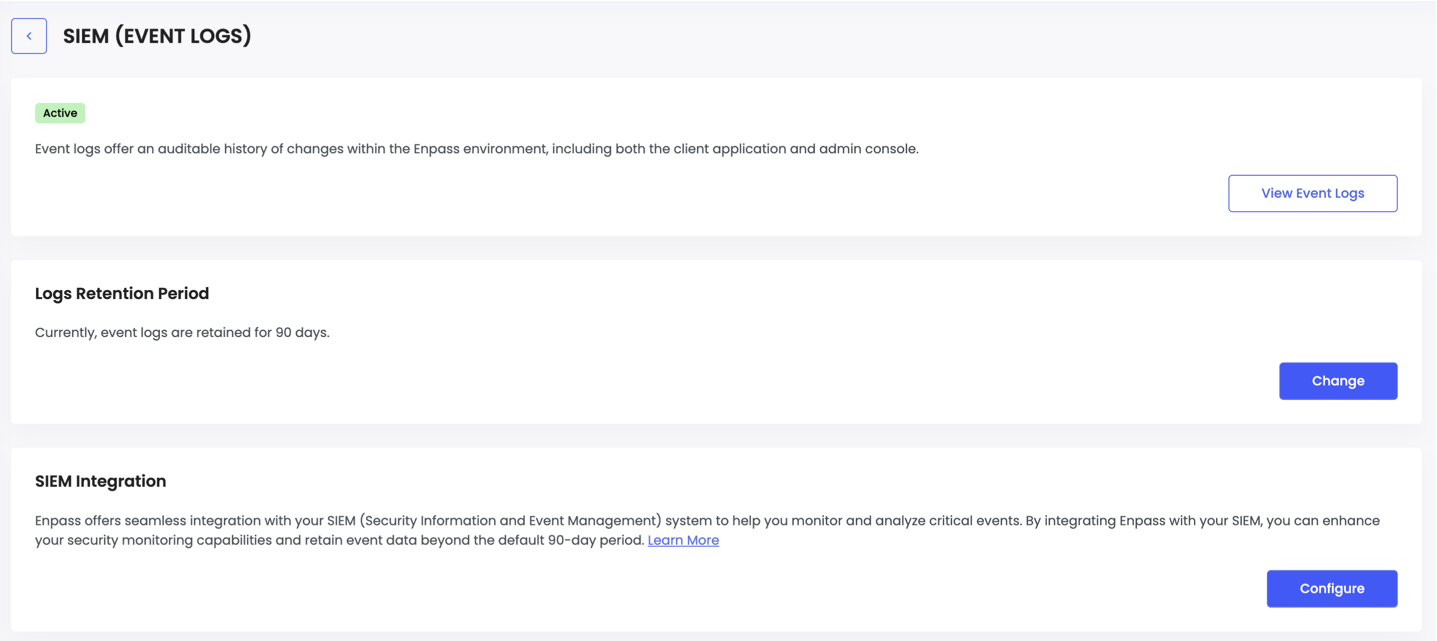
- Select Others then click Continue.
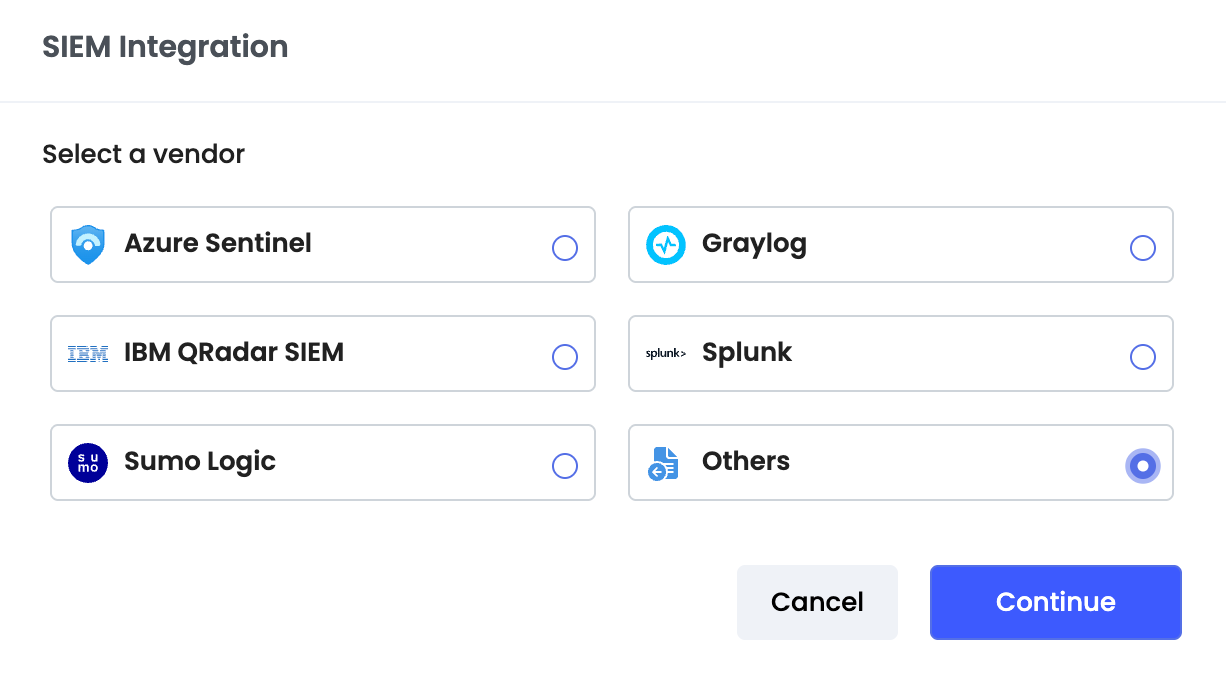
- Enter the following details:
- SIEM Tool Name: Your_SIEM_Tool_Name
- URL: Enter JSON Log Ingestion URL
- Header Name: Authorization
- Token Value: Bearer <Your_Secret_Key>
Replace <Your_Secret_Token> with the actual secret token provided by your SIEM tool or administrator. Do not include the angle brackets in the final value.
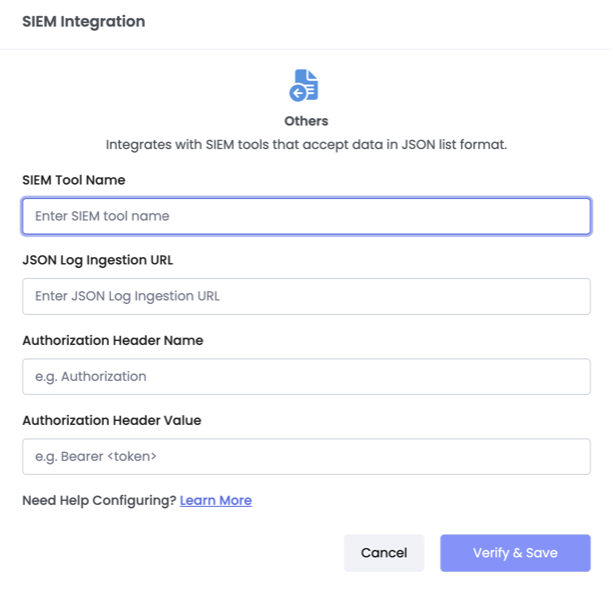
- Click Verify & Save to complete the integration.
Once configured, Enpass will begin sending event logs to your SIEM tool automatically.
Note: The exact configuration details (URL format, header name, and token format) will vary depending on your specific SIEM tool. Refer your SIEM tool's documentation for the correct webhook endpoint and authentication requirements.