Recovery Request Notifications
It allows Super Admins choose who should receive email alerts when someone requests for master password recovery. By Default all recovery notification be will sent to All Recovery Admins.
Configure Notification Recipients:
- Navigate to Recovery Settings:
- Log in to the Enpass Admin Console using your Super Admin credentials.
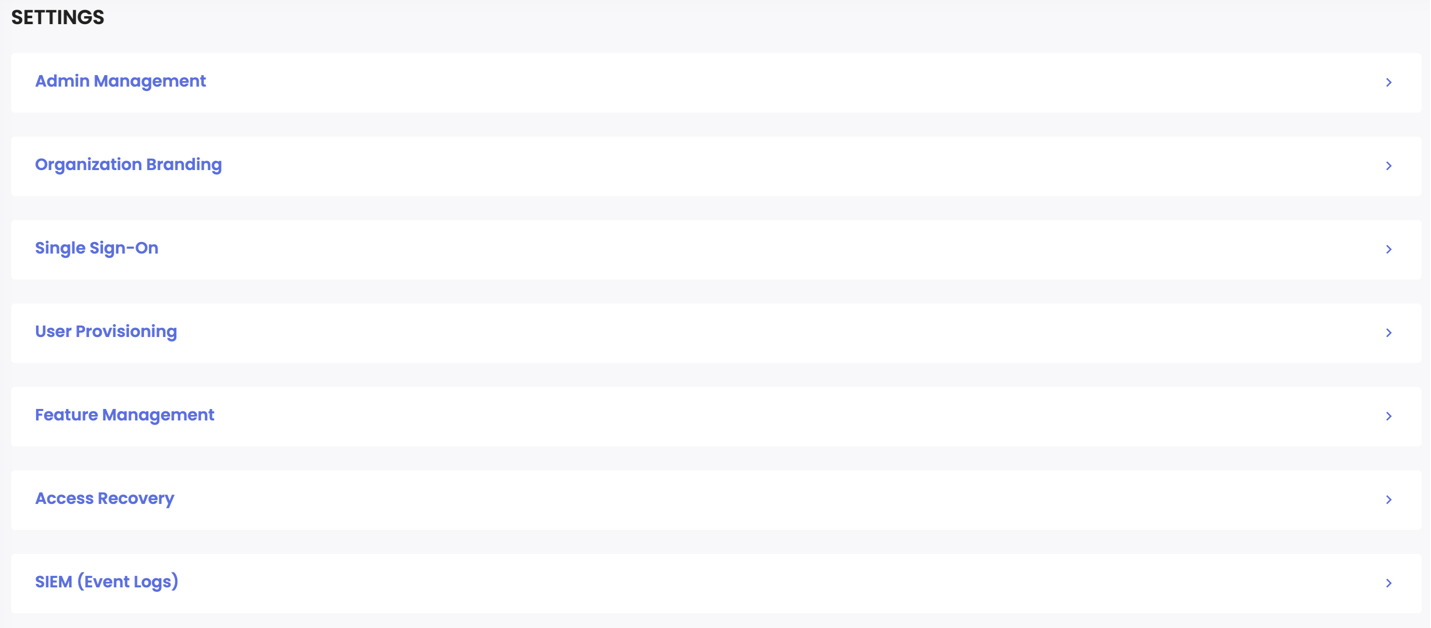
- From the sidebar, navigate to the Settings page.
- Scroll down to the Access Recovery section.
- Under Recovery Request Notifications, click the Manage Recipients button.
- Choose Notification Recipients:
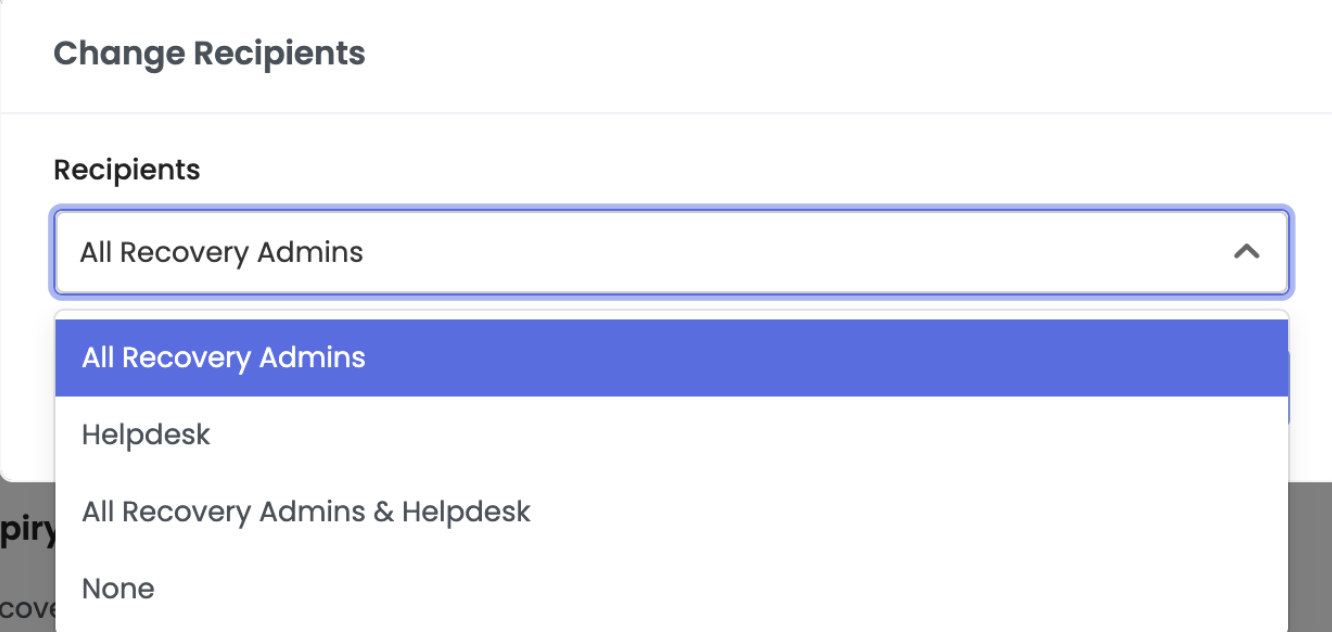
In the pop-up window, you will see an option labeled Recipients. Choose one of the following:- All Recovery Admins: Email notifications will be sent to all designated recovery admins.
- Helpdesk Email: Enter up to 5 helpdesk email addresses to receive notifications.
- All Recovery Admins & Helpdesk Email: Both the recovery admins and specified helpdesk emails will receive notifications.
- None: No notifications will be sent when a recovery request is submitted.
- Save Your Settings:
- After choosing your preferred option, click Save.
- Your selected recipients will now be shown on the Recovery Request Notifications in the settings.
